How Does CRM Automation Actually Work?
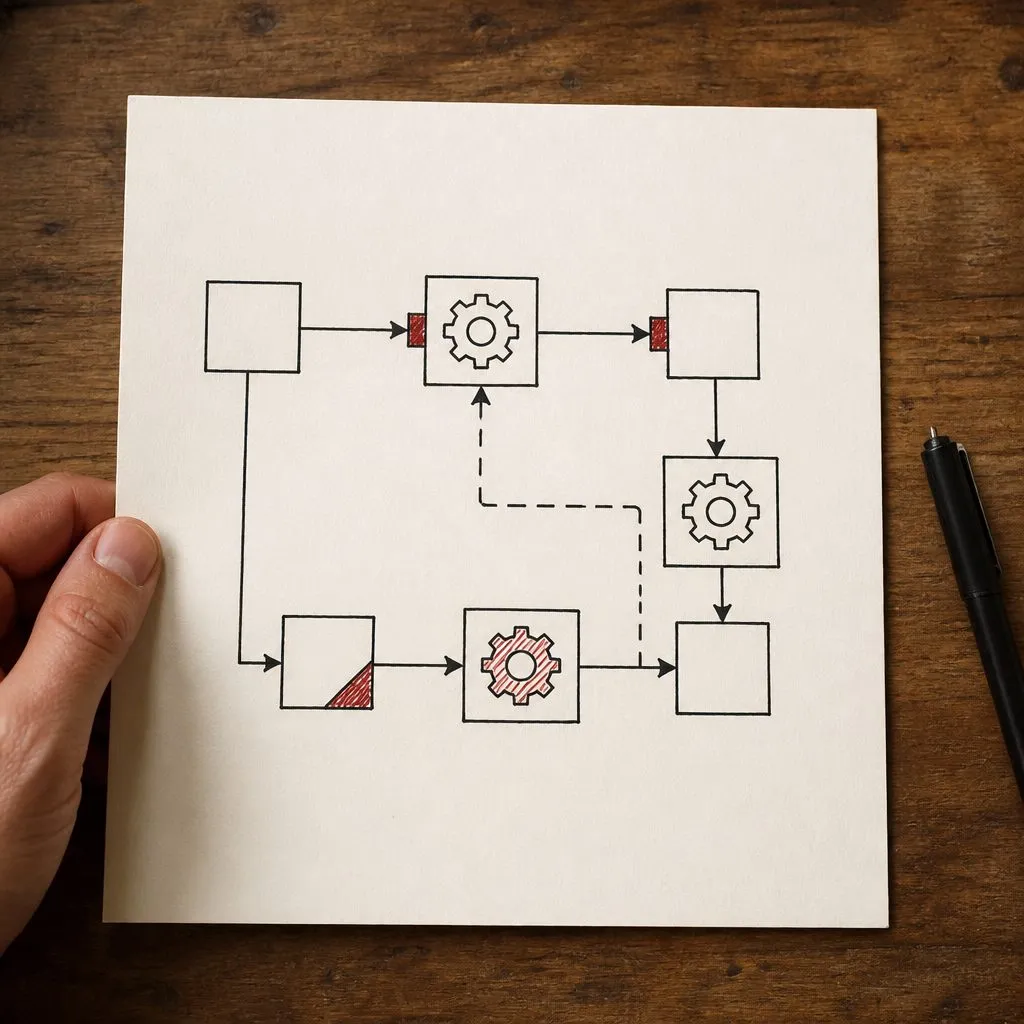
CRM automation works by watching for a trigger — a form submission, a pipeline stage change, a date, a tag — and then running a predefined sequence of actions: send a text, send an email, create a task, assign the lead, notify the team, start another workflow. No human has to notice the event or decide to act. You build the logic once; the CRM runs it forever.
Here’s what’s actually happening under the hood.
The Three Pieces: Trigger, Conditions, Actions
Every automation is built from three parts:
- The trigger — the event that starts it. “A new contact submits the contact form.”
- The conditions — optional filters and branches. “If the lead’s budget is over $10,000, go down path A; otherwise path B.”
- The actions — what happens. “Send SMS, wait 5 minutes, send email, create a task for the rep, add a ‘new lead’ tag.”
That’s it. Everything else is just combinations of those three. The CRM sits there watching for triggers, and when one fires, it walks through the conditions and executes the actions. We build this on GoHighLevel, which has a visual workflow builder for exactly this.
A Concrete Example: Speed-to-Lead
The single most valuable automation to build first. A lead submits a form:
- Trigger: form submission
- Action 1 (instant): create the contact record
- Action 2 (within 10 seconds): send an SMS — “Hi [name], thanks for reaching out about [thing]. Someone will call you shortly — or grab a time here: [link]”
- Action 3 (within 30 seconds): send an email with more detail
- Action 4 (within 60 seconds): trigger an AI voice agent call to qualify and book
- Action 5: notify the sales team via SMS or Slack
All of that happens before a human knows the lead exists. Compare that to the manual version — someone has to notice the email, open the CRM, find the lead, decide to call — and the lead’s already talked to a competitor. We dug into the research in speed-to-lead benchmarks 2026, and Harvard Business Review’s lead-response study puts hard numbers on it.
Triggers: What the CRM Watches For
Common triggers in a small-business setup:
- New form submission, new contact, inbound call, inbound SMS
- Pipeline stage change (“moved to Qualified”)
- Tag added or removed
- A date arriving (appointment tomorrow, contract anniversary)
- Email opened or link clicked
- Appointment booked, rescheduled, or no-showed
- A webhook from an external system (ad platform, landing page, third-party form)
Actions: What It Can Do
The action library is broad:
- Send SMS, send email, drop a voicemail
- Create a task, assign to a rep (round-robin, by territory, by skill)
- Move a deal to a new stage
- Add/remove tags, update custom fields
- Notify the team
- Start or stop another workflow
- Call a webhook (this is how it talks to an AI voice agent or any external tool)
- Wait — for minutes, hours, days, or until a condition is met
Conditions and Branching: Where the Logic Lives
Real workflows aren’t linear. “If the lead picked up, do this; if it went to voicemail, do that. If they replied, stop everything. If three days pass with no response, escalate.” That branching is what separates a thoughtful automation from a spam cannon. It’s also where most DIY setups fall down — people build the happy path and forget the exits. We wrote about this failure mode in your CRM is only as good as your automations.
Exit Conditions: How It Knows to Stop
Critical and easy to forget: every sequence needs a way out. The lead replies — stop. The lead books — stop. The lead opts out — stop, and respect it (the FCC’s rules on text messaging make this a legal requirement, not a nicety). Without exit conditions, a lead who books an appointment keeps getting “are you still interested?” texts. That’s how you train people to ignore you.
When You Need More Than the Built-In Builder
Most CRMs handle linear and lightly-branched workflows natively. When you need complex conditional logic, real-time data enrichment, or tight integration with external systems, we layer in n8n — a low-code automation platform that handles the heavy lifting and talks back to the CRM. The principle, per the SBA’s guidance on business technology, is to use the right tool for the job rather than forcing one platform to do everything. The full stack is described in the stack that runs modern sales.
What’s Hard About This Isn’t the Building
Anyone can drag boxes in a workflow builder. The hard part is designing the workflows — mapping your actual sales process, deciding what triggers what, getting the branching right, building the exits, and testing it against real lead data so it doesn’t misfire. That’s the work in a done-for-you CRM setup. Generic templates fail because every business sells differently — a solar pipeline isn’t a mortgage pipeline.
Where to Start
If you’ve got a CRM that’s basically a contact list right now, start with one automation: speed-to-lead. Get the instant SMS and email firing on every form submission. That alone catches the most common leak. Then build follow-up sequences, then pipeline triggers, then re-engagement. Or have us build the whole system — see automation and pricing, or reach out and we’ll map it.
Frequently Asked Questions
What is a CRM automation trigger? An event the CRM watches for: a new form submission, a contact moving to a new pipeline stage, a tag being added, a date arriving, an email being opened. When the trigger fires, the workflow runs.
What kinds of actions can CRM automation take? Send an SMS or email, drop a voicemail, create a task, assign a contact to a rep, move a deal stage, add or remove a tag, notify the team, start or stop another workflow, call a webhook, or trigger an AI voice agent.
Do I need to know how to code to set up CRM automation? No. Modern CRMs have visual workflow builders. Complex branching logic and external integrations sometimes need a tool like n8n, which is also low-code. The hard part is designing the workflows, not building them.
What is the most valuable CRM automation to set up first? Speed-to-lead: the instant the lead comes in, fire an SMS, an email, and ideally an AI call within seconds. It catches the single most common way leads get lost.
How does automation know when to stop messaging a lead? You build exit conditions: the lead replies, books an appointment, or opts out — the workflow detects it and stops the sequence so they do not keep getting messages.
Can CRM automation work across SMS, email, and phone? Yes. A single workflow can send a text, then an email, then drop a voicemail, then trigger a call — all in sequence, all conditional on what the lead does.
Related reading
- The complete local business marketing playbook - the full sequence this fits into
- Do small businesses need a CRM
- Best CRM for small business in 2026
- Best CRM for home service businesses
- Best free CRM for small business
- Why your CRM is only as good as your automations
- Our automation builds
- Marketing automation setup in Las Vegas
- CRM and automation builds
Frequently asked questions
What is a CRM automation trigger?
An event the CRM watches for: a new form submission, a contact moving to a new pipeline stage, a tag being added, a date arriving, an email being opened. When the trigger fires, the workflow runs.
What kinds of actions can CRM automation take?
Send an SMS or email, drop a voicemail, create a task, assign a contact to a rep, move a deal stage, add or remove a tag, notify the team, start or stop another workflow, call a webhook, or trigger an AI voice agent.
Do I need to know how to code to set up CRM automation?
No. Modern CRMs have visual workflow builders. Complex branching logic and external integrations sometimes need a tool like n8n, which is also low-code. The hard part is designing the workflows, not building them.
What is the most valuable CRM automation to set up first?
Speed-to-lead: the instant the lead comes in, fire an SMS, an email, and ideally an AI call within seconds. It catches the single most common way leads get lost.
How does automation know when to stop messaging a lead?
You build exit conditions: the lead replies, books an appointment, or opts out — the workflow detects it and stops the sequence so they do not keep getting messages.
Can CRM automation work across SMS, email, and phone?
Yes. A single workflow can send a text, then an email, then drop a voicemail, then trigger a call — all in sequence, all conditional on what the lead does.
Need help applying this?
Bring us the website, search, or automation problem. You will speak directly with the person who scopes and builds the work.
Book a 30-minute call